Mission Briefing
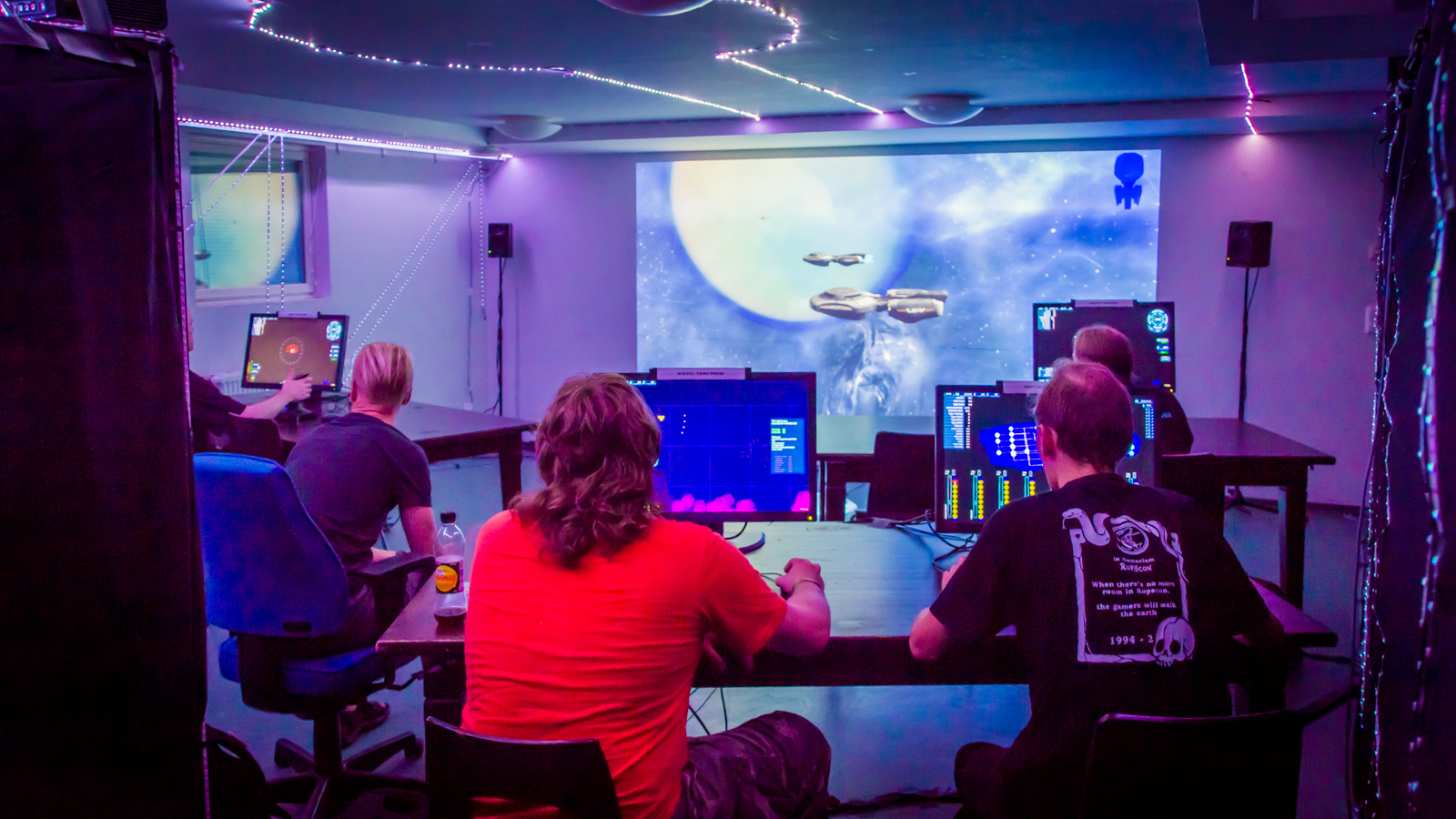
Welcome Cadet!
To prepare to embark on the Artemis mission, you will need the following equipment:
- A Windows PC running Windows Vista or later with at least 1 GB of free space
- High-speed internet connection
- Second computer screen (preferred) or a separate device that you can use as the Main Viewscreen and to communicate with your Bridge Crew via Zoom
- Headset (preferred) or separate microphone and earbuds to be used for audio communication with your Bridge Crew
Downloading & Installing Artemis
Please watch the 4-minute tutorial and then use the button below to install the game. When running the game installer please remember:
- You must launch the installer using 'Run as Administrator' or else the game will not install properly
- The game must be extracted to C:\
This installer includes both v2.4.0 and v2.7.5 of the game. The exact version we will be using will be determined the day-of the mission.
Running & Testing Artemis
Please watch the 3-minute tutorial to see how to test your Artemis installation. If you are unable to connect to the server deck1.trekcmdr.com please schedule a one-on-one Holodeck Training session prior to the mission date using the button below.
This will allow us to work together over Zoom to test and troubleshoot your connection to the Artemis server prior to the mission date. Due to logistics, we will be unable to provide technical assistance with getting connected to the Artemis server on the day of the mission.
Mission Training
Overview
If you have no idea what Artemis is, start here by watching others play the game! If that looks fun to you, continue forth Cadet!
Helm
The helm officer is one of the most important stations on the bridge. The helm officer steers the ship, performs evasive maneuvers, and assists the weapons officer with getting in the best position to make a good, clear shot.
Weapons
The weapons officer is responsible for defending the ship. Sure... that’s it... defense.
Engineering
The engineering officer is responsible for the damage control teams as well as changing power levels between various systems to ensure peak performance... as well as changing cooling levels between those systems so they won't get damaged.
Science
The science officer is responsible for scanning nearby ships and spatial anomalies to help the Captain determine who is friend or foe, as well as helps the weapons officer in determining the weaknesses of enemy ships.
Communications
The comms officer is responsible for all ship-to-ship communications, as well as setting Red Alert when necessary. As all comms are text-based, a decent typing speed is preferred for this position.
Join the Mission
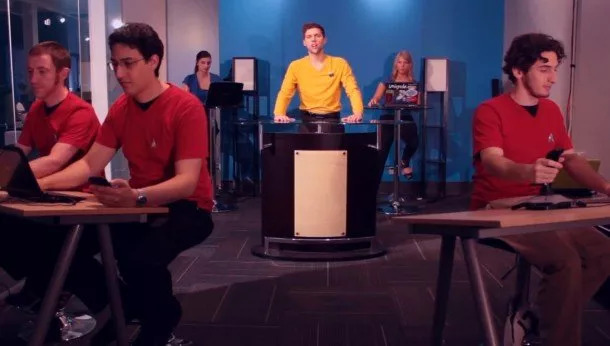
The Artemis Mission
Want to join us on our next Artemis mission? Click the button below to go to our Meetup page to see when the next mission is scheduled!
The Lower Decks Mission
Not quite ready to join the Artemis mission but you'd like to learn more about the game and get some practice in? Click the button below to go to our Meetup page to see when the next Lower Decks training mission is scheduled!
Frequently Asked Questions
Can I play Artemis own my own using your copy of the game?
No. This would be against the license terms. If you would like to host your own Artemis game however you can get your own license for the game rather inexpensively! Just purchase your own Bridge License from the maker of the game.
Can I play Artemis using a mobile device such as a iPhone or Android device?
Unfortunately, no longer. Although a previous version of the game was available on iOS and Android, those versions have been retired and are no longer available.
In the words of Marina Sirtis...
“What else are you going to do? You're trapped in your house!”

Marina Sirtis - GalaxyCon Sept 20, 2020